
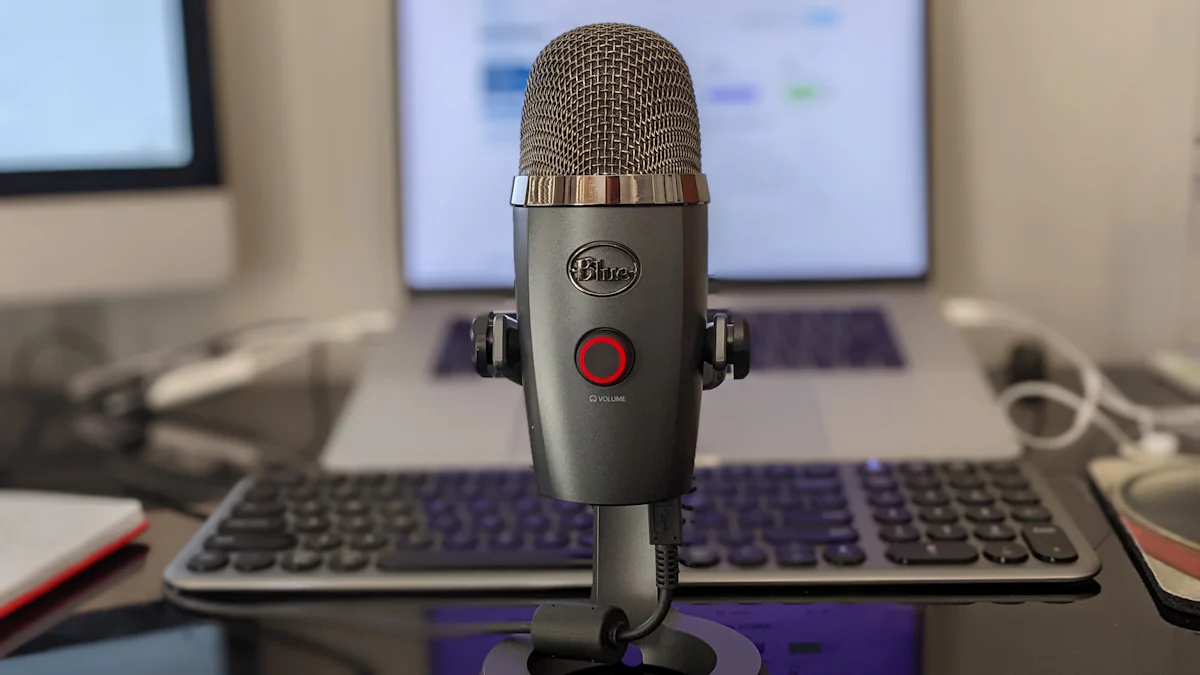
USB Microphones 101
USB microphones, also known as USB mics, are an incredibly convenient option for users of desktop and laptop devices. They offer high-quality audio recording capabilities without the need for additional equipment, making them a versatile choice for various applications. Whether it’s podcasting, gaming, video conferencing, or music production, USB microphones are easy to set up and use. Their affordability and efficiency make them an ideal solution for capturing clear and professional audio on both PC and Mac devices.
Exploring USB Microphone Features
Quality of Sound
USB microphones are designed to offer exceptional sound quality, providing high-fidelity sound capture that is well-suited for a variety of recording needs. The built-in analog-to-digital converters ensure that the audio output is crisp and clear, resulting in professional-quality recordings that meet the demands of content creators and professionals alike.
Versatility and Compatibility
These USB microphones are highly versatile and compatible with a wide range of devices, including PCs, Macs, and laptops. Their flexibility allows them to be used for podcasting, voiceovers, gaming, and video conferencing, catering to the diverse needs of desktop and laptop users. Whether it’s capturing vocals for a podcast or engaging in online gaming sessions with friends, USB microphones provide a seamless experience across different applications.
Setting Up Your USB Microphone
Plug and Play Convenience
When it comes to setting up your USB microphone, you’ll be delighted to find that it’s a hassle-free process. USB microphones are designed for plug-and-play convenience, meaning they can be easily set up without the need for additional drivers or hardware. This seamless setup makes them accessible to users of all technical levels, eliminating the complexities often associated with traditional audio recording equipment.
Optimizing Recording Settings
To maximize the performance of your USB microphone, it’s essential to optimize the recording settings. Adjusting the input levels and selecting the appropriate recording software can significantly enhance the overall audio quality. Additionally, understanding the optimal placement of the microphone is crucial in ensuring that you capture clear and professional-grade sound. By making these adjustments, you can fully leverage the benefits of your USB mic for desktop use while achieving exceptional audio clarity.
Best Practices for Using USB Microphones
Noise Reduction Techniques
When using a USB microphone for desktop or laptop recording, implementing noise reduction techniques is essential for achieving high-quality audio. One effective method is to use pop filters and shock mounts, which can significantly minimize unwanted background noise during recordings. These accessories help in capturing clear and crisp sound by reducing plosive sounds and vibrations that may interfere with the recording process.
Additionally, selecting a quiet recording environment plays a crucial role in improving audio quality. Choosing a space with minimal ambient noise ensures that the USB microphone captures the intended sound without unwanted disturbances, resulting in professional-grade recordings for various applications.
Maintaining Proper Care
Proper care and maintenance are key factors in ensuring the longevity and consistent performance of your USB microphone. Regularly cleaning the microphone, including the grille and body, helps prevent dust accumulation and maintains optimal audio output. Storing the microphone in a protective case when not in use safeguards it from potential damage and further prevents dust buildup, contributing to its overall durability. By implementing these maintenance practices, you can prolong the lifespan of your USB mic while enjoying reliable performance for an extended period.
Choosing the Right USB Microphone
When it comes to choosing the right USB microphone for your desktop or laptop, there are several factors to consider. Here’s a brief guide to help you make an informed decision:
Recording Quality: Look for a USB microphone that offers high-quality sound capture, ensuring clear and professional-grade audio output for your recordings.
Compatibility: Ensure that the USB microphone is compatible with your specific device, whether it’s a PC, Mac, or laptop, to guarantee seamless integration and optimal performance.
Intended Use: Consider the purpose for which you’ll be using the USB microphone. Whether it’s for podcasting, gaming, video conferencing, or music production, choose a mic that aligns with your intended use.
Researching customer reviews and product specifications can provide valuable insights into the performance and features of different USB microphones. By following best practices and optimizing settings, you can elevate your audio experience with a suitable USB microphone tailored to your needs.
Remember: The right USB microphone can significantly enhance your recording experience and deliver professional-quality sound for various applications.