
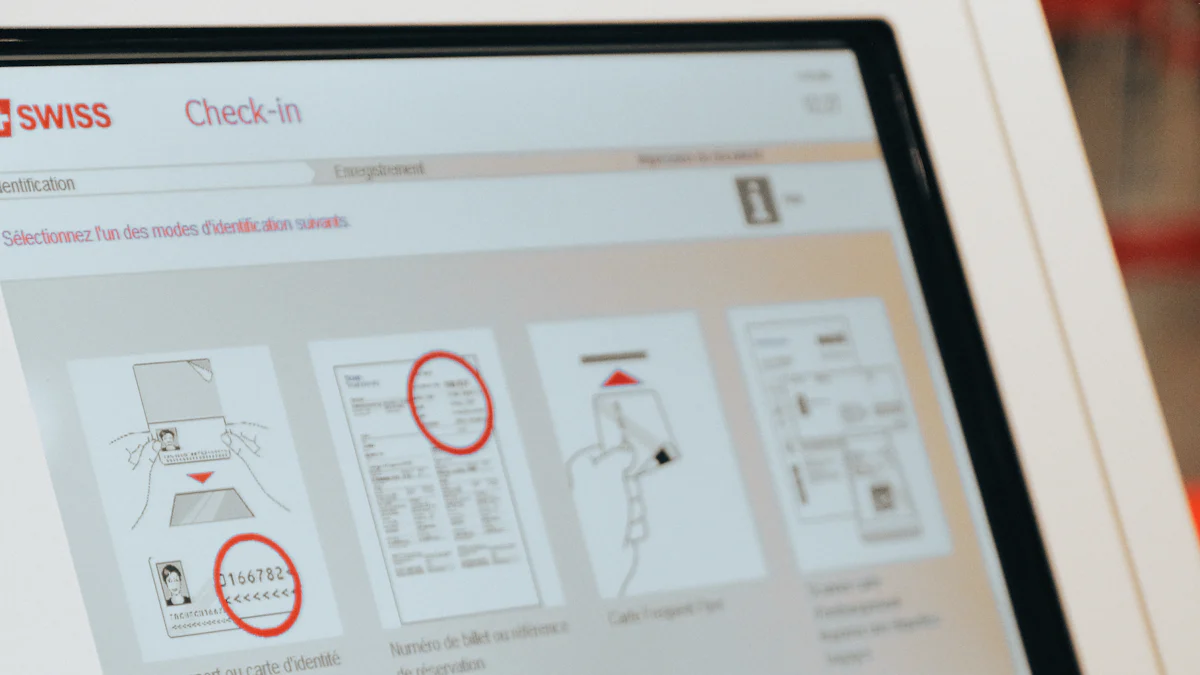
Introduction to Touch Screen Kiosk Monitors
In recent years, touch screen technology has revolutionized the way businesses interact with their customers. The rise of touch kiosk technology has paved the way for a more interactive and engaging customer experience. These innovative kiosk monitors are becoming increasingly popular across various industries, offering a wide range of functionalities and benefits.
The Rise of Touch Kiosk Technology
The emergence of touch kiosks represents a significant shift in how businesses engage with their clientele. With the integration of intuitive touch interfaces, these kiosks provide an efficient and user-friendly platform for customers to access information, place orders, and navigate services. The evolution of touch screen technology has enabled businesses to streamline operations and enhance customer satisfaction through interactive self-service solutions.
Why Businesses Are Turning to Kiosk Screens
Businesses are recognizing the immense potential of kiosk monitors in improving operational efficiency and customer engagement. By implementing touch kiosks, companies can reduce wait times, minimize human error, and gather valuable data on consumer behavior. Additionally, the versatility of these touch screen systems allows businesses to customize applications according to their specific needs, providing a tailored experience for their target audience.
Evaluating Durability and Weather Resistance
When it comes to kiosk screens, durability is a crucial factor that directly impacts their longevity and performance. Understanding the importance of durability in touch kiosk technology involves evaluating the materials used and the build quality of these innovative devices.
Understanding the Importance of Durability in Touch Kiosk
Materials and Build Quality
The materials utilized in constructing kiosk screens play a pivotal role in determining their ability to withstand frequent usage and environmental factors. High-quality metals, such as aluminum alloys, are often preferred for their robustness and resistance to corrosion. Additionally, durable plastics with reinforced structures contribute to the overall sturdiness of the kiosk enclosure, ensuring protection against accidental impacts.
Weather Resistance for Outdoor Use
For businesses considering outdoor deployment of touch kiosks, weather resistance is paramount. These kiosks must be designed to endure varying climatic conditions, including exposure to sunlight, moisture, and temperature fluctuations. Sealed enclosures with IP65 or higher ratings offer effective protection against dust ingress and water spray, making them suitable for outdoor installations.
Top Picks for Durable Kiosk Monitors
Model A: The All-Weather Warrior
Model A stands out as an exemplary choice for businesses seeking robust kiosk screens capable of withstanding harsh outdoor environments. Crafted from industrial-grade stainless steel and featuring a sealed touchscreen display, this model offers unparalleled durability and weather resistance. Its rugged construction ensures reliable operation even in challenging outdoor settings, making it an ideal solution for various industries.
Model B: The Sturdy Indoor Specialist
While designed primarily for indoor use, Model B excels in durability and reliability. With a reinforced aluminum frame and tempered glass display panel, this kiosk monitor boasts exceptional build quality suitable for high-traffic indoor locations. Its sturdy construction not only enhances longevity but also minimizes the risk of damage from accidental impacts or excessive wear and tear.
Comparing User Interface and Accessibility
As businesses seek to optimize customer interaction, the user interface and accessibility of touch screen kiosk monitors play a pivotal role in delivering a seamless and engaging experience. Understanding the key elements that contribute to a user-friendly interface is essential for making informed decisions when selecting kiosk screens.
What Makes a User-Friendly Touch Screen
Screen Size and Resolution
The touch screen size and resolution are fundamental aspects that directly impact user interaction. A larger screen size provides ample space for displaying information and interactive elements, enhancing visibility and ease of use. Additionally, higher resolutions contribute to sharper image quality, ensuring clarity in content presentation and touch responsiveness.
Responsiveness and Ease of Use
Touch screen responsiveness is a critical factor in determining the overall user experience. A highly responsive interface minimizes input lag, allowing users to navigate effortlessly through applications and menus. Furthermore, intuitive gestures such as swiping, tapping, and pinching enable natural interactions, enhancing the overall ease of use for customers.
Best Kiosk Screens for User Experience
Model C: The Intuitive Interface Leader
Model C stands out as an exemplary choice for businesses prioritizing an intuitive user interface. With a spacious touch screen boasting high resolution, this model offers a visually immersive experience for users. Its exceptional responsiveness ensures smooth navigation, while the incorporation of multi-touch support enables versatile interactions, making it ideal for diverse applications across various industries.
Model D: The Accessibility Champion
Model D takes accessibility to new heights with its thoughtfully designed touch screen interface. Featuring an optimally sized display with crystal-clear resolution, this model excels in providing an accessible platform for all users. Its intuitive navigation structure caters to individuals with varying levels of technological proficiency, ensuring that every user can engage effortlessly with the kiosk’s functionalities.
Analyzing Cost-Effectiveness for Your Business
When considering the implementation of kiosk monitors, businesses must carefully evaluate the cost-effectiveness of their investment. Achieving a balance between quality and budget is essential to ensure that the chosen kiosk screens align with the organization’s long-term objectives.
Balancing Quality and Budget in Kiosk Monitors
Initial Investment vs. Long-Term Value
The initial investment in kiosk monitors encompasses the procurement costs, including hardware, software, and installation expenses. While it may seem prudent to opt for lower-priced options, it is crucial to assess the long-term value offered by these solutions. High-quality kiosk monitors may require a more substantial upfront investment but often deliver superior durability, performance, and longevity, translating into enhanced operational efficiency and customer satisfaction over time.
Maintenance and Upkeep Costs
Beyond the initial purchase, businesses must factor in ongoing maintenance and upkeep costs associated with kiosk monitors. Regular servicing, software updates, and potential repairs contribute to the total cost of ownership. Selecting kiosk screens with robust build quality and reliable components can mitigate maintenance expenses by minimizing downtime and reducing the frequency of repairs, ultimately optimizing cost-effectiveness.
Cost-Effective Choices for Various Business Sizes
Model A Revisited: Best for Large Enterprises
For large enterprises seeking cost-effective kiosk monitor solutions, Model A presents an optimal choice. Despite its higher initial investment, this model offers unparalleled durability and weather resistance, making it well-suited for high-traffic environments characteristic of large-scale operations. The long-term value derived from its robust construction and minimal maintenance requirements positions Model A as a prudent investment for enterprises prioritizing reliability and longevity.
Model D Revisited: Ideal for Small to Medium Businesses
Small to medium businesses can benefit from the cost-effective attributes of Model D when selecting kiosk monitors. With a focus on accessibility and user-friendly design, this model strikes a harmonious balance between affordability and quality. Its thoughtful construction minimizes long-term maintenance costs while ensuring seamless interactions for customers of varying technological proficiencies. By prioritizing both budget considerations and performance, Model D emerges as an ideal choice for small to medium businesses aiming to enhance customer engagement without compromising financial prudence.
Conclusion: Choosing the Right Touch Screen Kiosk Monitor
Recap of Top Touch Screen Kiosk Monitors
After evaluating the diverse features and functionalities of different kiosk screens, it is evident that each model offers unique advantages tailored to specific business requirements. Model A, renowned for its all-weather durability, stands out as an ideal choice for outdoor deployments in challenging environments. Its robust construction and weather-resistant design make it a reliable solution for businesses operating in varying climatic conditions. On the other hand, Model B excels in indoor settings, providing exceptional sturdiness and reliability suitable for high-traffic locations.
Model C distinguishes itself as the intuitive interface leader, offering a visually immersive experience with its spacious touch screen and high resolution. Its seamless navigation and multi-touch support cater to diverse applications across various industries, prioritizing user experience. Meanwhile, Model D emerges as the accessibility champion, focusing on providing an accessible platform for users of varying technological proficiencies through its thoughtfully designed touch screen interface.
Final Thoughts on Making Your Selection
In conclusion, selecting the right touch screen kiosk monitor requires a comprehensive understanding of business needs and customer expectations. By carefully assessing factors such as durability, user interface, accessibility, and cost-effectiveness, businesses can make informed decisions aligned with their operational objectives. It is essential to prioritize long-term value and performance while considering budget constraints to ensure that the chosen kiosk screen aligns with the organization’s goals.
Ultimately, businesses must weigh the benefits offered by each model against their specific operational requirements to determine the most suitable touch kiosk solution. Whether aiming to enhance outdoor customer engagement or optimize indoor interactions, choosing a reliable and user-friendly kiosk monitor is pivotal in driving operational efficiency and delivering exceptional customer experiences.
See Also
Advantages of Utilizing Uber 4G Screens for Advertising
Advantages of Taxi Touch Screens for Advertising
Optimize Advertising Reach with Taxi 4G Screens