
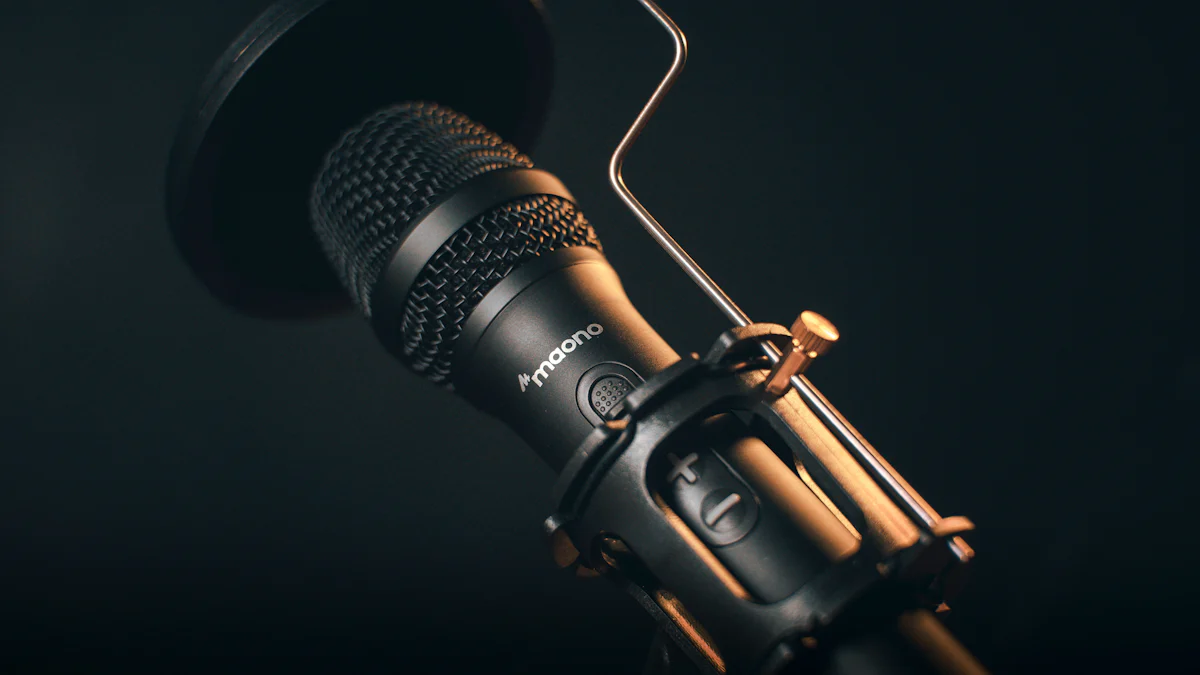
Understanding Mic Monitoring and Its Importance
In the world of gaming and vlogging, mic monitoring plays a crucial role in enhancing the overall experience. But what exactly is mic monitoring, and why does it matter for you?
What is Mic Monitoring?
Mic monitoring refers to the ability to hear your own voice in real-time through the headphones while speaking or recording. It allows you to maintain awareness of your vocal volume and quality, creating a more immersive audio experience. The basics of hearing your own voice can significantly impact your performance in various scenarios.
Why Mic Monitoring Matters for You
Improving Communication in Xbox Gaming
For Xbox gamers, mic monitoring enables better communication with teammates during intense gameplay. By hearing their own voice alongside the game audio, players can adjust their speaking volume and tone, leading to clearer and more effective in-game communication.
Ensuring Clear Audio in Vlogging
In the realm of vlogging, clear and professional audio is essential for engaging content. With mic monitoring, vloggers can ensure that their voice comes through crisply and clearly, allowing them to deliver captivating narratives and maintain audience engagement.
Setting Up Your Phone Microphone for Xbox Gaming
Now that we understand the significance of mic monitoring in both gaming and vlogging, let’s delve into the process of setting up your phone microphone specifically for Xbox gaming. This step-by-step guide will ensure that you can seamlessly integrate your phone microphone into your gaming setup, enhancing your overall experience.
Choosing the Right Phone Microphone
When selecting a microphone for your Xbox gaming setup, there are several factors to consider to ensure optimal performance. Firstly, consider the compatibility of the microphone with your Xbox console. Additionally, assess the microphone’s sound quality, durability, and ease of use. Look for a model that offers seamless integration with your gaming environment and provides clear and crisp audio output.
Step-by-Step Guide to Connect Your Phone Mic to Xbox
Required Tools and Settings
Before connecting your phone microphone to your Xbox, ensure that you have all the necessary tools at hand. You will need a compatible phone microphone, an auxiliary cable or adapter for connectivity, and access to the audio settings on your Xbox console.
To begin, connect one end of the auxiliary cable or adapter to your phone microphone, ensuring a secure connection. Next, plug the other end into the designated audio input port on your Xbox controller or console. Once physically connected, navigate to the audio settings on your Xbox and select the input source as “external microphone” or “auxiliary input.”
Testing and Adjusting Mic Monitoring Levels
After successfully connecting your phone microphone to your Xbox, it’s essential to test and adjust the mic monitoring levels for optimal performance. Speak into the microphone while wearing headphones to gauge how well you can hear yourself during gameplay.
Access the mic monitoring settings on your Xbox console and gradually adjust the levels until you find a balance that allows you to hear yourself clearly without overpowering other audio cues. It’s crucial to strike a balance where mic monitoring enhances communication without causing distraction or discomfort during extended gaming sessions.
Incorporating these steps will enable you to harness the benefits of mic monitoring while using a phone microphone for Xbox gaming.
Enhancing Your Vlogging Experience with Phone Mic Monitoring
In the realm of vlogging, mic monitoring serves as a valuable tool for achieving professional sound quality and enhancing the overall viewer experience. Let’s explore how mic monitoring can elevate your vlogging endeavors and provide practical tips for optimizing its usage.
The Role of Mic Monitoring in Vlogging
Achieving Professional Sound Quality
Effective mic monitoring is instrumental in ensuring that vloggers maintain consistent and high-quality audio throughout their content. By actively listening to their own voice in real-time, vloggers can adjust their speaking volume, tone, and articulation, resulting in clear and professional sound quality. This heightened level of control over audio output contributes significantly to the overall production value of vlogs.
Practical Tips for Using Mic Monitoring in Vlogs
Adjusting for Different Environments
Vloggers often find themselves recording in diverse environments, each presenting unique acoustic challenges. Utilizing mic monitoring, vloggers can adapt to varying environmental conditions by making real-time adjustments to their speaking volume and microphone positioning. This ensures that the audio remains clear and consistent regardless of the surroundings, maintaining a high standard of content quality.
Engaging Your Audience with Clear Audio
Clear and engaging audio is paramount in capturing and retaining audience attention. Through mic monitoring, vloggers can guarantee that their narration, storytelling, or discussions are delivered with clarity and precision. This not only enhances the viewing experience but also fosters a deeper connection between the content creator and their audience, ultimately leading to increased viewer engagement.
By implementing these practical tips for utilizing mic monitoring in vlogs, content creators can elevate the auditory aspect of their content while fostering a more immersive and engaging viewer experience.
Tips and Tricks for Optimal Mic Monitoring
Now that you have set up your phone microphone for Xbox gaming and vlogging, it’s essential to be aware of some tips and tricks to ensure optimal mic monitoring. Avoiding common mistakes, employing advanced techniques, and maintaining your equipment are crucial aspects to consider for an enhanced audio experience.
Common Mistakes to Avoid
When it comes to mic monitoring, overlooking echo and feedback issues can significantly impact the quality of your audio. Monitoring these potential problems is essential to prevent audio distortion and maintain clear sound output. Echo occurs when sound reflects off surfaces, creating a repetitive effect, while feedback results from the loop between the microphone and speakers. By addressing these issues proactively, you can ensure a seamless monitoring experience without disruptions.
Advanced Techniques for Experienced Users
For experienced users looking to take their mic monitoring to the next level, fine-tuning for specific scenarios is a valuable technique. Different environments and use cases may require adjustments in mic sensitivity, noise cancellation, or vocal equalization. By mastering the art of fine-tuning, you can optimize your monitoring setup for various situations, ensuring consistent audio quality across different platforms and content types.
Maintaining Your Equipment for Best Performance
Regular checks and updates are essential for maintaining your equipment’s performance over time. Ensure that your phone microphone is free from physical damage or debris that could affect its functionality. Additionally, stay updated with the latest firmware or software releases for both your microphone and gaming console to benefit from any performance enhancements or bug fixes. By prioritizing maintenance, you can prolong the lifespan of your equipment while enjoying optimal mic monitoring capabilities.