
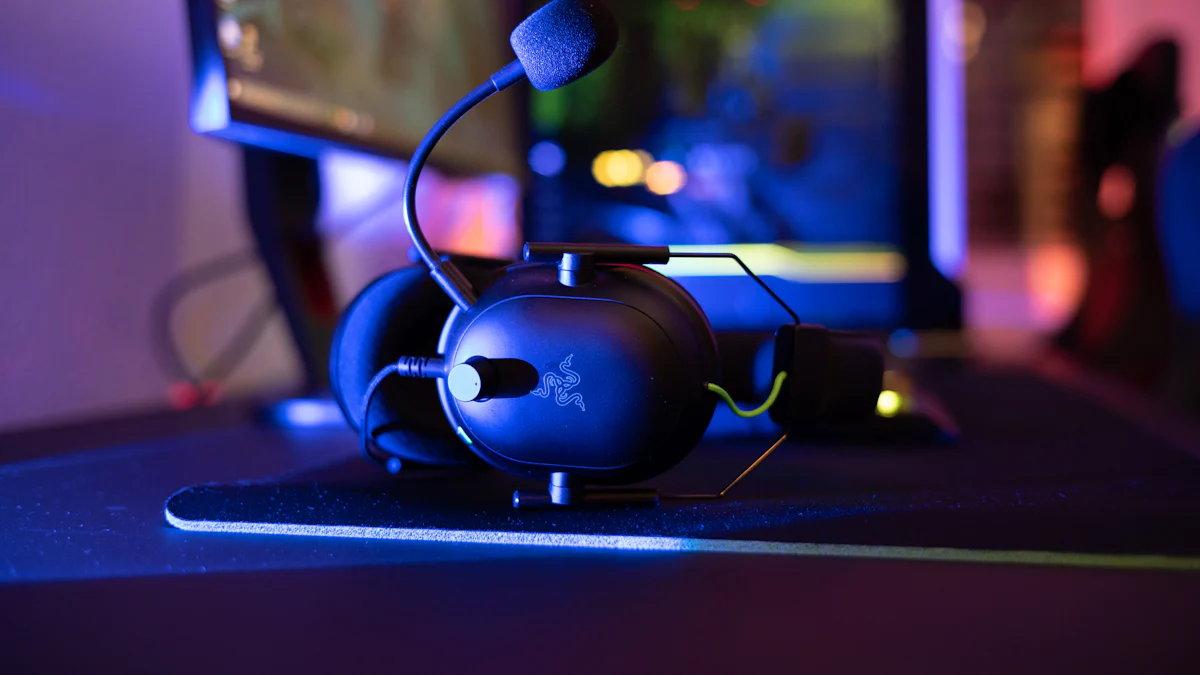
Understanding Mic Monitoring
In the world of gaming, mic monitoring is a crucial feature that significantly impacts communication and overall gaming experience. Let’s delve into the basics of mic monitoring and understand why it holds such importance for gamers.
What is Mic Monitoring?
Mic monitoring, also known as sidetone, refers to the ability to hear your own voice in real-time through the headset speakers while speaking into the microphone. This feature allows gamers to monitor their voice levels and adjust their speaking volume accordingly. For gamers, this means being able to hear themselves while communicating with teammates during intense gameplay sessions.
The Basics of Mic Monitoring
The fundamental concept behind mic monitoring is to provide users with immediate feedback on their vocal input. By hearing their own voice through the headset, gamers can ensure that they are not speaking too loudly or softly, thus maintaining clear and effective communication.
Why It Matters for Gamers
Mic monitoring plays a pivotal role in ensuring seamless communication during multiplayer games. Without this feature, players may struggle to modulate their voices effectively, leading to misunderstandings and disruptions within the team dynamics.
The Benefits of Using Mic Monitoring
Utilizing mic monitoring offers several advantages that directly contribute to an enhanced gaming experience.
Improved Communication
By being able to monitor their own speech in real-time, gamers can adjust their volume levels to ensure that they are heard clearly by their teammates. This results in more effective communication and better coordination during gameplay.
Better Gaming Experience
With mic monitoring in place, gamers can avoid shouting or straining their voices while communicating with others. This leads to a more comfortable and enjoyable gaming experience, free from unnecessary vocal strain.
Mic Monitoring and Gaming
In the realm of gaming, mic monitoring plays a pivotal role in enhancing the multiplayer gaming experience. Let’s explore how mic monitoring contributes to seamless communication and improved audio quality during gameplay.
The Role of Mic Monitoring in Multiplayer Games
Team Strategies and Coordination
Effective team strategies and coordination are essential for success in multiplayer games. Mic monitoring enables players to communicate clearly with their teammates, ensuring that vital information is relayed without any misunderstandings. This feature allows gamers to adjust their speaking volume in real-time, facilitating smooth coordination and strategic planning.
Reducing Background Noise
Background noise can be a significant hindrance during intense gaming sessions. With mic monitoring, players can actively monitor their voice levels and minimize background noise by adjusting their speaking volume accordingly. This results in clearer communication and a more immersive gaming experience, free from unnecessary distractions.
Choosing the Right Headset for Mic Monitoring
When selecting a headset for gaming, it’s crucial to consider specific features that optimize mic monitoring capabilities.
What to Look For
Adjustable Mic Monitoring Levels: Look for headsets that offer customizable mic monitoring levels, allowing you to control the amount of your voice that is played back through the headset speakers.
Noise-Canceling Microphone: A noise-canceling microphone helps reduce ambient sounds, ensuring that your voice comes through clearly without interference from background noise.
Comfortable Fit: Opt for a headset that provides long-lasting comfort, as extended gaming sessions require a headset that can be worn comfortably for hours at a time.
Recommended Brands and Models
These brands offer high-quality headsets with advanced mic monitoring features, designed to elevate the overall gaming experience while ensuring clear communication with teammates.
Setting Up Mic Monitoring on Xbox One
Now that we understand the significance of mic monitoring in gaming, let’s explore how to set it up on the Xbox One. Configuring mic monitoring on your console can significantly enhance your communication experience and overall gameplay.
Step-by-Step Guide to Xbox One Settings
Accessing the Audio Settings
To begin setting up mic monitoring on your Xbox One, navigate to the system settings menu. From there, select the “Display & sound” option and then choose “Audio output.” Within the audio output settings, you will find the “Headset audio” section, where you can access the mic monitoring feature.
Adjusting Mic Monitoring Levels
Once you have accessed the headset audio settings, locate the option for mic monitoring levels. Here, you can adjust the intensity of mic monitoring to suit your preferences. It’s advisable to start with a moderate level and make adjustments based on your comfort and communication needs during gameplay.
Troubleshooting Common Issues
When You Can’t Hear Yourself
If you encounter issues with not being able to hear yourself through mic monitoring, ensure that your headset is properly connected to the controller. Additionally, check the volume settings on both your headset and Xbox One console to confirm that they are appropriately configured for mic monitoring.
Dealing with Echoes and Feedback
In some cases, echoes or feedback may occur when using mic monitoring. To address this issue, consider adjusting the positioning of your microphone or reducing its sensitivity if such options are available in your headset’s settings. Furthermore, minimizing background noise in your gaming environment can help mitigate echoes and feedback during mic monitoring.
Utilizing these troubleshooting tips can help ensure that you experience seamless mic monitoring functionality while gaming on Xbox One.
Mic Monitoring Beyond Gaming
As versatile as it is, mic monitoring extends beyond the realm of gaming and finds valuable applications in streaming, content creation, and even home-based singing practices.
Using Mic Monitoring for Streaming and Content Creation
Enhancing Your Streaming Setup
For streamers and content creators, mic monitoring can be a game-changer. By incorporating this feature into your setup, you gain the ability to monitor your voice levels in real-time while engaging with your audience. This ensures that you maintain a consistent volume and articulate your thoughts clearly throughout the stream, enhancing the overall quality of your content.
Tips for Clear Audio in Videos
When creating videos for online platforms, clear audio is paramount. Utilizing mic monitoring allows you to adjust your speaking volume on the fly, resulting in videos with crisp and intelligible audio. Whether you’re delivering tutorials, vlogs, or live streams, this feature empowers you to deliver high-quality audio content consistently.
The Benefits of Mic Monitoring for Singing Microphone
Practicing Singing at Home
For aspiring singers practicing at home, a singing microphone equipped with mic monitoring can be incredibly beneficial. It enables vocalists to hear their own voice as they sing, providing immediate feedback on pitch and tone. This real-time monitoring fosters improvement by allowing singers to make adjustments during practice sessions.
Recording Vocals with Clarity
When recording vocals, achieving clarity is essential for producing professional-quality tracks. Incorporating mic monitoring into the recording process allows vocalists to ensure that their performances are captured with precision. By actively monitoring their voice levels during recordings, singers can maintain consistency and deliver clear, well-articulated vocals in their music productions.
Wrapping Up
As we conclude our exploration of mic monitoring and its multifaceted applications, it’s essential to highlight the key takeaways that underscore its significance in the gaming and content creation realms. Additionally, I encourage all users to embrace experimentation and find the mic monitoring setup that best suits their individual preferences and needs.
Key Takeaways on Mic Monitoring
Enhanced Communication: The incorporation of mic monitoring technology significantly enhances communication clarity during gaming sessions, fostering seamless teamwork and strategic coordination.
Versatile Applications: Beyond gaming, mic monitoring proves invaluable for streamers, content creators, and home-based singers, offering real-time voice level monitoring for improved audio quality.
Optimal Headset Selection: When selecting a headset for mic monitoring, prioritize features such as adjustable mic monitoring levels and noise-canceling microphones to maximize the benefits of this functionality.
Personalized Experience: Experiment with different mic monitoring settings to find the optimal balance between voice feedback and ambient sound reduction based on your unique preferences.
Encouragement to Experiment and Find What Works Best
As you embark on your journey with mic monitoring, I encourage you to approach it as an opportunity for personalization and optimization. Embrace the process of experimenting with various settings, adjusting mic sensitivity levels, and exploring different headset options to discover the configuration that aligns perfectly with your communication style and gaming environment. Remember that finding what works best for you is a rewarding endeavor that ultimately enhances your overall experience in gaming, streaming, or singing practices.