
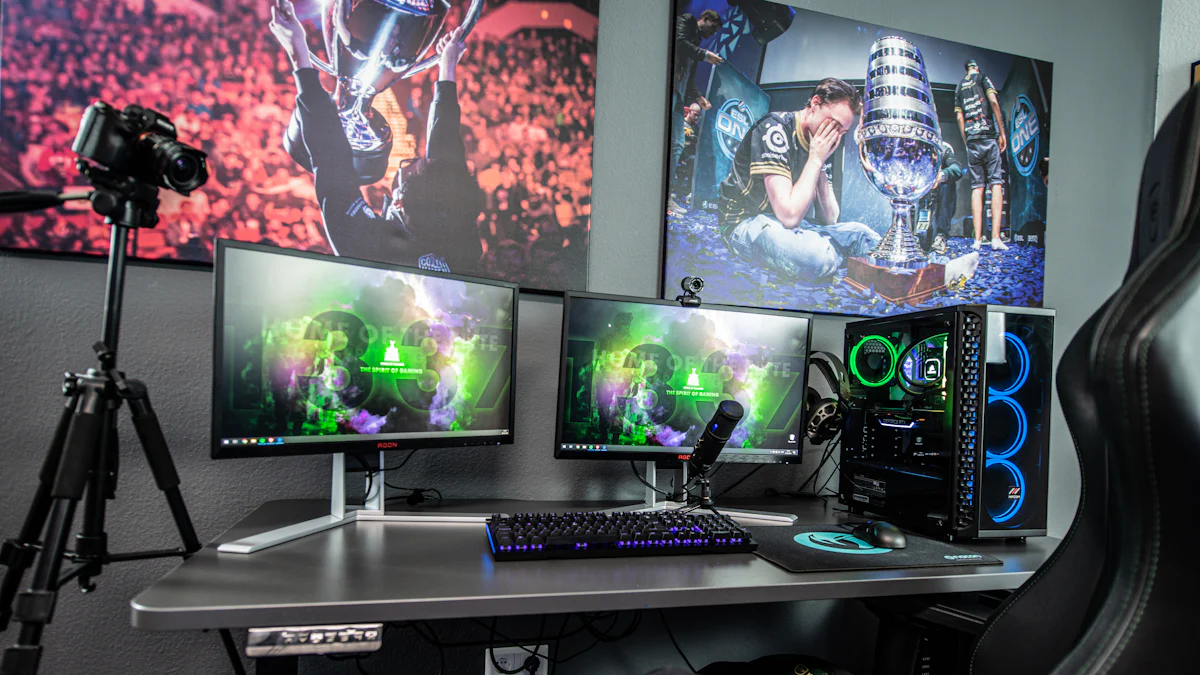
Understanding Mic Monitoring and Its Importance
In the world of gaming and vlogging, mic monitoring plays a crucial role in ensuring high-quality audio performance. But what exactly is mic monitoring, and why does it matter?
What is Mic Monitoring?
The Basics of Mic Monitoring
Mic monitoring refers to the ability to hear the audio picked up by your microphone in real-time through your headphones or earbuds. This feature allows you to monitor your own voice as you speak, sing, or make other sounds into the microphone.
Why Mic Monitoring Matters
Effective mic monitoring is essential for maintaining optimal audio quality during gaming sessions or vlogging recordings. By being able to hear yourself while using a microphone, you can adjust your speaking volume and technique to ensure clear and consistent sound output.
The Benefits of Effective Mic Monitoring
Real-Time Feedback for Better Audio
With mic monitoring, you can instantly identify any issues with your audio input, such as distortion, background noise, or muffled sounds. This real-time feedback empowers you to make immediate adjustments for improved audio quality without having to wait until after recording or broadcasting.
Enhancing Your Gaming and Vlogging Experience
By incorporating mic monitoring into your setup, you can elevate your gaming experience by communicating clearly with teammates and immersing yourself in the game’s audio environment. Similarly, vloggers can ensure that their recordings capture crisp and articulate vocal performances, enhancing the overall quality of their content.
Mic Monitoring for Xbox Gaming
When it comes to Xbox gaming, setting up your microphone with effective mic monitoring is essential for clear communication and an immersive gaming experience.
Setting Up Your Microphone for Xbox
Choosing the Right Microphone
Selecting the right microphone for your Xbox setup is crucial. Look for a microphone that is compatible with Xbox consoles and offers mic monitoring features. Consider a headset with a built-in microphone or an external microphone that can be easily connected to your controller or console.
Connecting Your Microphone to Xbox
Once you have chosen the appropriate microphone, follow the manufacturer’s instructions for connecting it to your Xbox console or controller. This may involve plugging it into the controller’s audio jack, connecting it wirelessly via Bluetooth, or using a USB connection depending on the type of microphone you have selected.
Adjusting Mic Monitoring on Xbox
Navigating Xbox Settings
To optimize mic monitoring on your Xbox, navigate to the settings menu and locate the audio or sound options. Look for specific settings related to microphone and audio monitoring. Depending on your microphone and headset model, there may be dedicated options for adjusting mic monitoring levels and enabling real-time audio feedback.
Finding the Perfect Balance
Once you have accessed the mic monitoring settings, experiment with different levels to find the perfect balance between hearing your own voice and receiving in-game or chat audio. Adjust the volume of mic monitoring to ensure that you can hear yourself clearly without overpowering other game sounds or voice communications.
Incorporating effective mic monitoring into your Xbox gaming setup not only enhances communication but also elevates your overall gaming experience, allowing you to stay engaged in intense gameplay while maintaining clear and consistent vocal performance.
Phone Vlogging Microphone Setup
When it comes to phone vlogging, selecting the right microphone and implementing effective mic monitoring can significantly enhance the audio quality of your vlogs. Let’s explore the essential steps for setting up a microphone for phone vlogging and incorporating mic monitoring to achieve optimal audio performance.
Selecting a Microphone for Phone Vlogging
Types of Microphones for Vlogging
When choosing a microphone for phone vlogging, consider options such as lavalier microphones, shotgun microphones, or compact directional microphones. Each type offers unique advantages in capturing clear and focused audio suitable for vlogging scenarios. Evaluate the specific features of each microphone type to determine which best aligns with your vlogging style and content requirements.
Compatibility with Your Phone
Ensure that the selected microphone is compatible with your phone model and operating system. Some microphones may require additional adapters or connectors to establish a seamless connection with your smartphone. Verify compatibility specifications provided by the microphone manufacturer to guarantee smooth integration with your phone vlogging setup.
Implementing Mic Monitoring for Vlogging
Apps and Tools for Mic Monitoring
Numerous mobile applications and external tools offer mic monitoring functionality for smartphones. Explore available apps designed to provide real-time audio feedback through headphones or earbuds connected to your smartphone. Additionally, some external audio interfaces or mixers feature built-in mic monitoring capabilities, allowing you to monitor your voice while recording vlogs on your phone.
Adjusting Settings for Optimal Audio
Once you have selected an app or tool for mic monitoring, familiarize yourself with its settings and customization options. Adjust the mic monitoring levels to achieve an optimal balance between hearing your own voice and receiving ambient sounds during vlog recordings. Experiment with different settings to ensure that you can accurately monitor your vocal performance while maintaining awareness of surrounding audio elements.
Incorporating an appropriate microphone and enabling mic monitoring during phone vlogging sessions empowers you to capture high-quality audio that enhances the overall appeal of your vlogs. By leveraging these essential tools and techniques, you can elevate the auditory experience of your audience while establishing a professional standard for your vlogging content.
Tips and Tricks for Perfect Mic Monitoring
Now that you have set up mic monitoring for your Xbox gaming and phone vlogging, it’s essential to be aware of some common mistakes to avoid and ways to enhance your mic monitoring setup.
Common Mistakes to Avoid
Overlooking Mic Positioning
One common mistake when using mic monitoring is overlooking the positioning of the microphone. Placing the microphone too far from your mouth can result in a faint or unclear audio input, affecting the effectiveness of mic monitoring. Ensure that the microphone is positioned at an optimal distance from your mouth to capture clear and articulate vocal recordings.
Ignoring Background Noise
Another mistake to avoid is ignoring background noise during mic monitoring. Background noises such as fans, air conditioning units, or external conversations can interfere with the clarity of your audio input. Be mindful of your recording environment and minimize background noise to maintain a focused and professional sound quality.
Enhancing Your Mic Monitoring Setup
Additional Equipment for Better Sound
Consider investing in additional equipment to further enhance your mic monitoring setup. Pop filters, acoustic panels, or soundproofing materials can help reduce unwanted noise and improve the overall sound quality of your recordings. Additionally, audio interfaces or mixers with advanced mic monitoring features offer greater control over real-time audio feedback, allowing you to fine-tune your vocal performance.
Practice Makes Perfect
Ultimately, consistent practice is key to mastering mic monitoring. Spend time experimenting with different mic monitoring settings, microphone placements, and environmental adjustments to understand how they impact your audio output. By actively engaging with your mic monitoring setup, you can refine your recording techniques and achieve optimal audio quality for gaming sessions or vlog productions.
By being mindful of these tips and tricks, you can effectively optimize your mic monitoring experience, ensuring clear and professional audio output while immersing yourself in the world of gaming or creating captivating vlogs.